
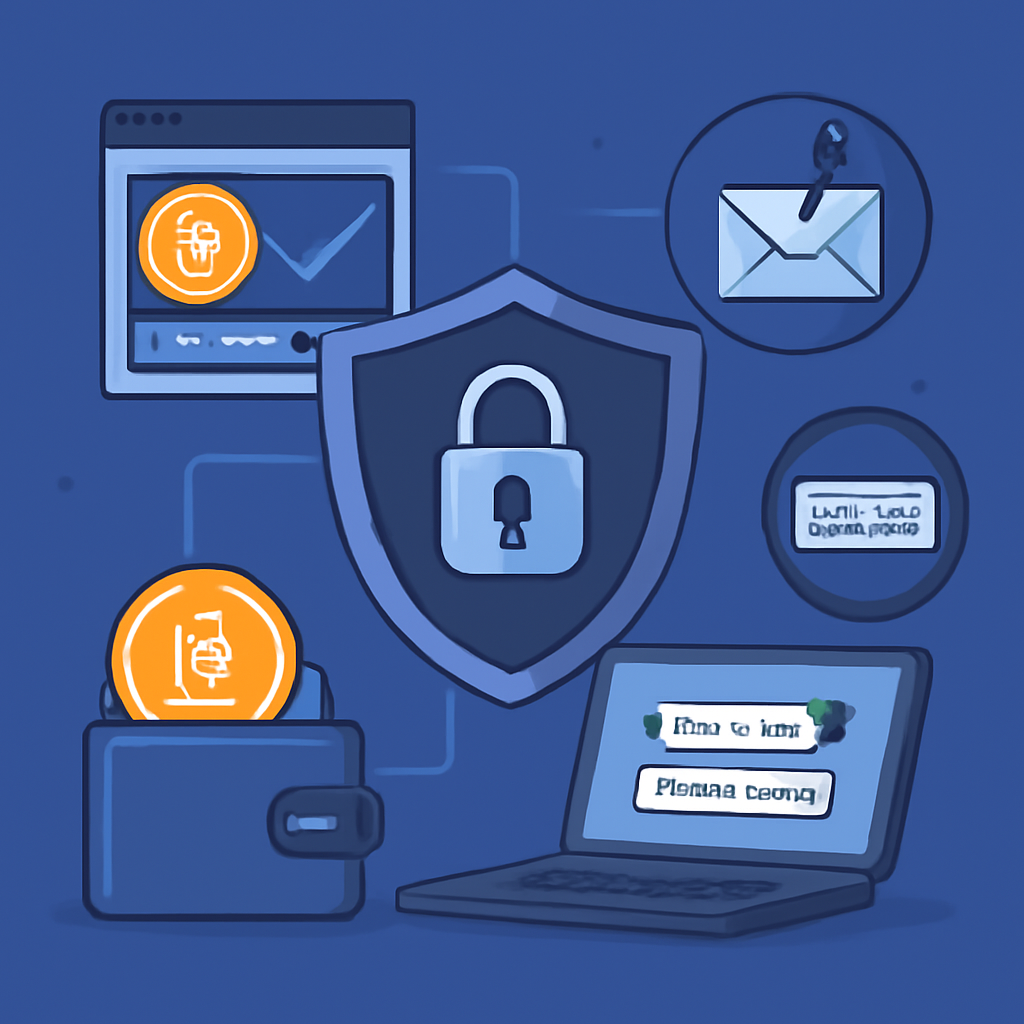
In recent years, cryptocurrency exchanges have become one of the most popular platforms for buying, selling, and trading digital assets. However, the rise of these platforms has also seen an increase in hacking attempts, scams, and security breaches, making it crucial for users to understand how to protect their accounts. Securing your account is not just about using a strong password; it involves a series of proactive steps to safeguard your assets from cybercriminals. In this article, we will explore the best practices to keep your exchange account safe and secure.
1. Use Strong, Unique Passwords
The first and most basic step in securing your exchange account is to use a strong, unique password. Passwords like “123456” or “password” may seem convenient, but they are incredibly easy for hackers to guess. A good password should include a mix of uppercase and lowercase letters, numbers, and special characters. Avoid using easily accessible personal information, such as your birthdate or name, as part of your password.
Additionally, each platform you use should have a unique password. Reusing passwords across multiple platforms increases the risk of a cybercriminal gaining access to all your accounts if one password is compromised. A password manager can help you create and store complex, unique passwords for each of your online accounts, making it easier to manage without having to memorize them all.
2. Enable Two-Factor Authentication (2FA)
Two-factor authentication (2FA) is one of the most effective ways to secure your exchange account. By enabling 2FA, you add an extra layer of security to your login process. Instead of just entering a password, 2FA requires you to input a code sent to your mobile device or generated by an authentication app (such as Google Authenticator or Authy). Even if a hacker gains access to your password, they won’t be able to log in without the 2FA code.
Many exchange platforms support 2FA, and it is highly recommended to use it for both logging in and performing any sensitive actions, such as withdrawing funds. Avoid using SMS-based 2FA, as phone numbers can be hijacked through SIM-swapping attacks. Instead, opt for app-based or hardware key 2FA for the highest level of security.
3. Beware of Phishing Scams
Phishing is a common method used by cybercriminals to trick users into revealing their login credentials. Phishing scams usually involve fraudulent emails, messages, or fake websites designed to look like legitimate exchanges. These messages might ask you to click on a link, enter your credentials, or download malicious software.
To protect yourself from phishing attacks, always double-check the URL of the exchange website and ensure it starts with “https://” (the “s” stands for secure) and not just “http://”. Be cautious of unsolicited emails or messages asking for your login details or offering special promotions. Legitimate exchanges will never ask for your password or other sensitive information via email or text message.
Furthermore, be wary of links and attachments in emails that seem suspicious. When in doubt, navigate to the exchange’s website manually instead of clicking on links provided in emails.
4. Withdraw Funds to a Secure Wallet
Keeping funds on an exchange platform may be convenient for trading, but it also exposes your assets to potential risks. Hackers often target exchange platforms with large pools of digital assets, and breaches can result in significant financial losses for users. A more secure way to store your cryptocurrency is to withdraw it to a personal wallet, such as a hardware wallet or a secure software wallet.
Hardware wallets, like Ledger or Trezor, store your private keys offline, making them less vulnerable to online hacking attempts. Software wallets, such as Exodus or Electrum, allow you to store your assets securely on your computer or mobile device, with added encryption features. Regardless of the type of wallet you use, always ensure that it is well-protected with strong passwords and, if possible, 2FA.
5. Stay Updated on Security Features and News
The security landscape in the cryptocurrency world is constantly evolving. As new threats emerge, exchange platforms often update their security measures to address these vulnerabilities. Make it a habit to stay informed about the latest security updates and best practices recommended by the exchange. Follow the exchange’s official blog, social media accounts, and community forums for any security-related announcements.
Additionally, keep your devices and software updated. Regular updates ensure that your system is protected against known vulnerabilities and that you are using the latest security features available.
6. Be Cautious of Third-Party Apps and API Access
Many exchange platforms offer users the ability to integrate third-party applications, such as portfolio trackers or trading bots, through API (Application Programming Interface) keys. While these tools can be helpful, they can also pose a security risk if not managed properly. Always review the permissions granted to third-party apps and ensure that you trust the developers.
Limit the API key’s permissions to the bare minimum required for the app’s functionality. For instance, if you are using a trading bot, ensure that the key does not have permission to withdraw funds. Regularly review and revoke any unnecessary API keys to reduce potential security risks.
Conclusion
The security of your account on cryptocurrency exchange platforms is of paramount importance. By following these best practices — using strong passwords, enabling two-factor authentication, being cautious of phishing scams, storing funds in secure wallets, staying updated on security news, and managing third-party applications carefully — you can significantly reduce the risk of unauthorized access and potential loss of assets. Protecting your cryptocurrency investments is not a one-time effort; it requires continuous vigilance and adherence to evolving security practices.