
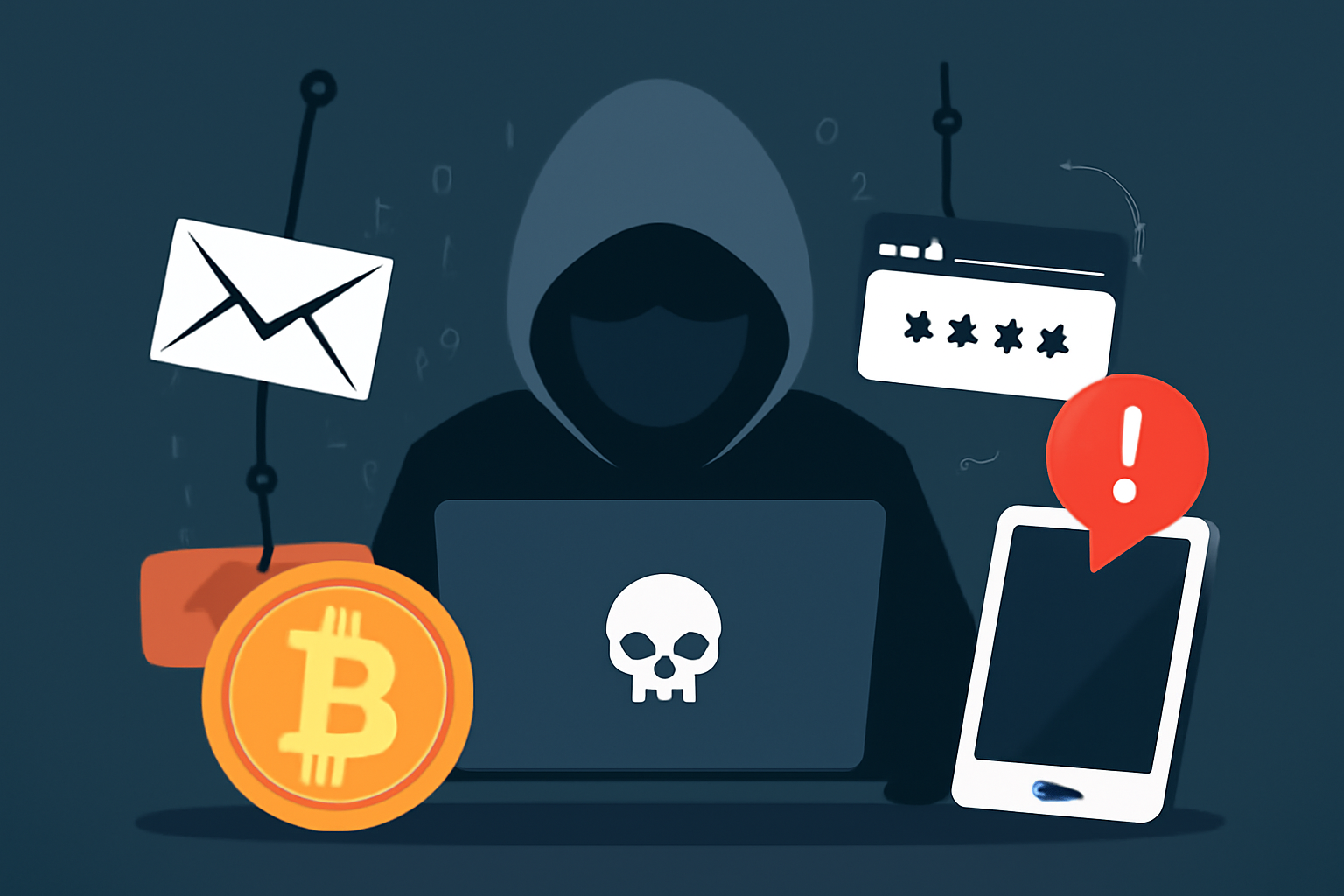
Cryptocurrency has revolutionized the way people conduct transactions, offering privacy, security, and decentralization. However, as with any rapidly growing field, crypto has attracted its share of cybercriminals. One of the most common and dangerous forms of cybercrime in the crypto world is phishing. In this article, we’ll explore what phishing is, how it manifests in the crypto space, and most importantly, how to protect yourself from these attacks.
What is Phishing?
Phishing is a type of cyberattack where an attacker pretends to be a legitimate entity in order to trick individuals into revealing sensitive information. This can include login credentials, private keys, or even transferring cryptocurrency to the attacker’s wallet. The attackers often use fraudulent websites, emails, or messages that mimic trusted sources to deceive victims into taking actions that compromise their security.
Phishing attacks are one of the most prevalent cybercrimes in the cryptocurrency industry due to the anonymous and irreversible nature of crypto transactions. Once funds are transferred to an attacker’s wallet, it is nearly impossible to retrieve them, making cryptocurrency users prime targets.
Types of Phishing Attacks in the Crypto Space
1. Email Phishing
Email phishing is one of the most common forms of phishing attack. Attackers often send emails that appear to be from legitimate cryptocurrency exchanges, wallet services, or blockchain projects. These emails may contain links to fake websites or ask users to provide sensitive information such as passwords or private keys. A typical phishing email may inform users that their account is compromised or that they need to verify their identity by clicking on a link.
2. Website Phishing (Fake Websites)
Hackers often create fake cryptocurrency websites that look identical to popular exchanges or wallet platforms. They may use URLs that are very similar to the official ones, with only a slight difference in spelling or domain extension (for example, “binanc.com” instead of “binance.com”). Unsuspecting users who enter their login credentials or private keys on these fraudulent sites unknowingly give their information to the attackers.
3. Social Media Phishing
Phishing attacks can also occur through social media platforms, where attackers impersonate legitimate cryptocurrency companies or famous influencers. These attacks often come in the form of direct messages, comments, or fake ads offering free giveaways, airdrops, or investment opportunities. Users are encouraged to send cryptocurrency to a specific address, only to find that the offer was a scam.
4. SMS Phishing (Smishing)
SMS phishing, or “smishing,” involves sending text messages that appear to come from a trusted source, such as a cryptocurrency exchange or wallet provider. These messages may contain links to fraudulent websites or request sensitive information. Attackers may also use this method to gain access to two-factor authentication codes, which further compromise account security.
How to Protect Yourself from Phishing Attacks
1. Be Skeptical of Unsolicited Communications
One of the simplest ways to avoid falling victim to phishing attacks is to be wary of unsolicited emails, text messages, or social media messages that ask you to click on links, download attachments, or provide personal information. Legitimate companies will never ask you to share sensitive details via these channels. Always double-check the sender’s email address or phone number for signs of fraud.
2. Verify URLs Carefully
Before entering any sensitive information, always ensure that the website you’re visiting is legitimate. Look for subtle signs of fake websites, such as misspelled URLs or non-secure (HTTP instead of HTTPS) connections. When possible, type the URL directly into the browser rather than clicking on links in emails or messages.
3. Use Multi-Factor Authentication (MFA)
Multi-factor authentication (MFA) adds an extra layer of security to your accounts by requiring more than just a password to log in. Even if an attacker manages to steal your password, they would still need to pass through an additional security measure, such as a one-time code sent to your phone or email. Enable MFA on all cryptocurrency accounts to increase security.
4. Use Hardware Wallets for Long-Term Storage
Software wallets are vulnerable to phishing attacks since they are connected to the internet. For long-term storage, consider using hardware wallets that store your private keys offline. These wallets are less susceptible to phishing attacks and are one of the safest ways to secure your cryptocurrency.
5. Check for Phishing Warnings
Many cryptocurrency exchanges and wallet providers issue phishing warnings or notifications if they detect fraudulent activity or phishing attempts targeting their users. Regularly check these alerts, and if you receive an unsolicited communication, always cross-reference it with the official website or customer support channels.
6. Educate Yourself and Stay Updated
Phishing tactics evolve over time, and staying informed is key to protecting yourself. Keep yourself updated on the latest phishing techniques and scams in the crypto world. Many cybersecurity websites and crypto forums regularly share information about new phishing threats.
7. Use Anti-Phishing Software and Browser Extensions
Consider using anti-phishing tools and browser extensions that can detect and block phishing websites. Some crypto-specific browser extensions can also provide additional security measures when interacting with cryptocurrency sites.
Conclusion
Phishing attacks are a serious threat to cryptocurrency users, but with proper precautions, you can significantly reduce your risk of falling victim to these scams. Always verify the authenticity of communications, enable multi-factor authentication, and consider using offline storage solutions like hardware wallets for your cryptocurrency. By staying vigilant and informed, you can safeguard your digital assets against malicious actors in the crypto space.